
Cobb Can Move
Launching Cobb Can Move
Preparing the browser build...
Cobb Can Move
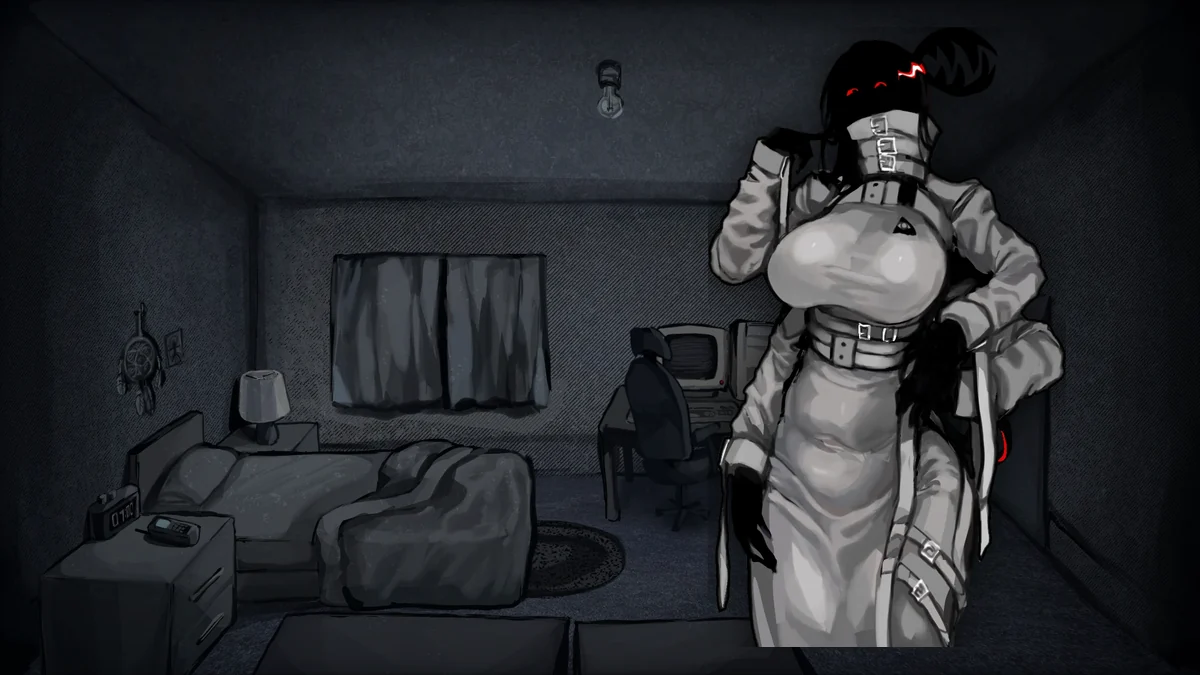
Play Cobb Can Move online
Cobb Can Move is a top-down survival horror game about escaping a dungeon that refuses to stay predictable. You begin in dark pixel corridors with a simple problem: Cobb is nearby, and the rules that kept you alive a moment ago may stop working on the next level. The browser build is loaded in the player above, so press Play now, let the game initialize, and keep the window focused while you move through the dungeon.
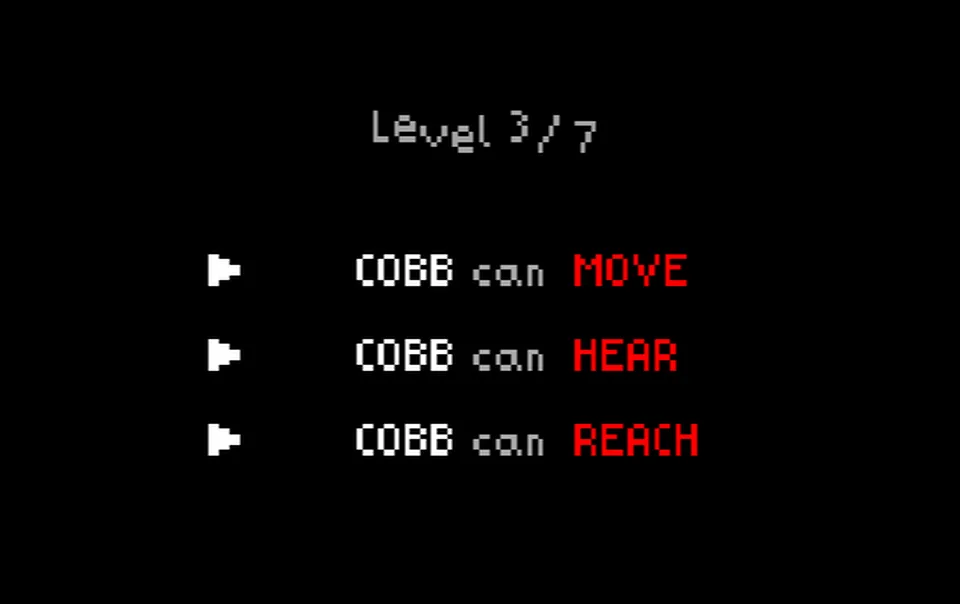
The hook is not only that Cobb is dangerous. It is that Cobb changes. One level may reward quiet movement, another may punish movement itself, and another may turn the threat into something faster, stranger, or harder to track. That shifting pressure makes Cobb Can Move feel closer to a survival test than a memorization exercise.
What kind of horror game is it?
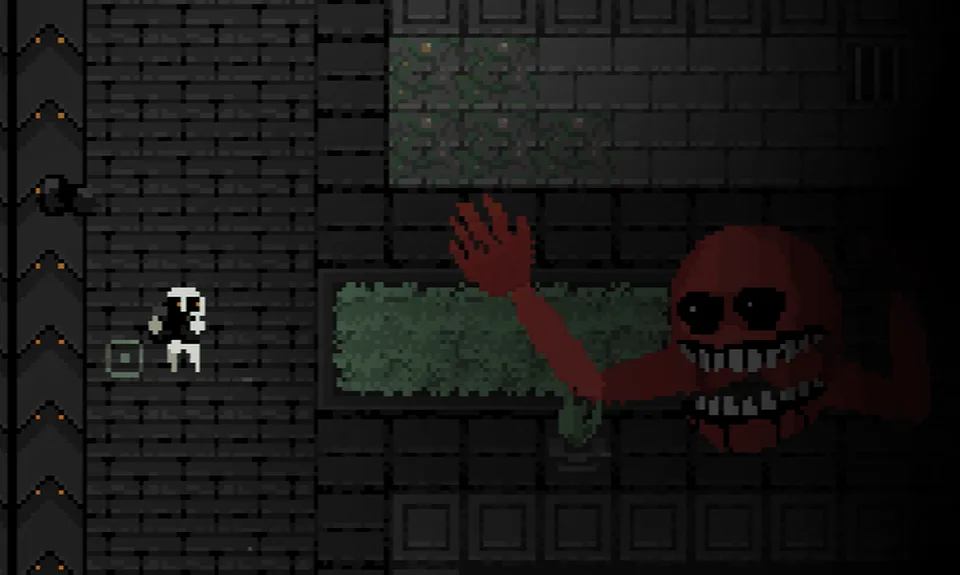
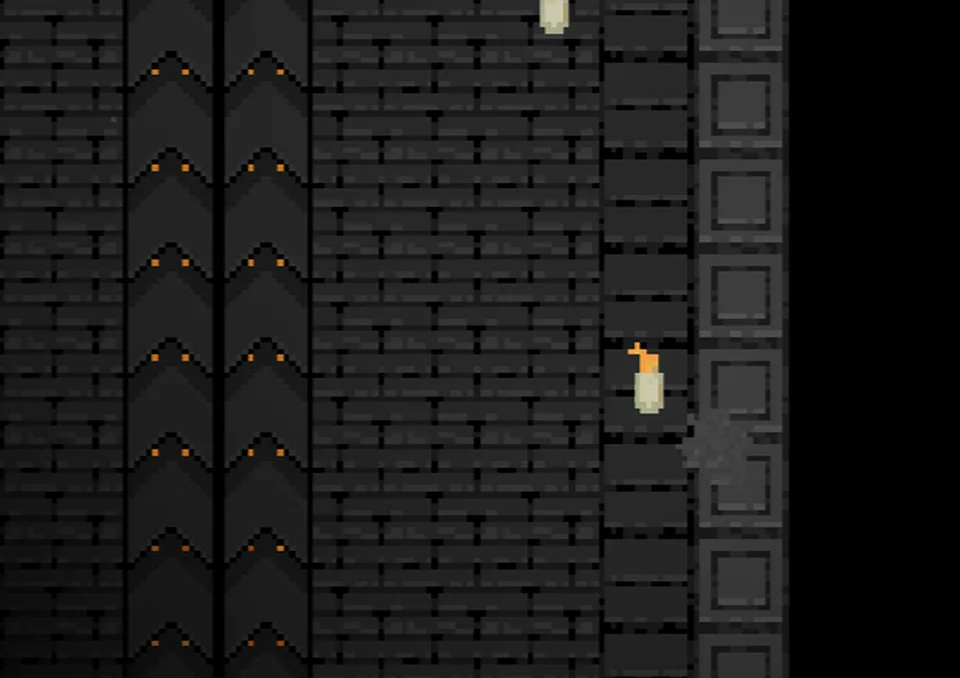
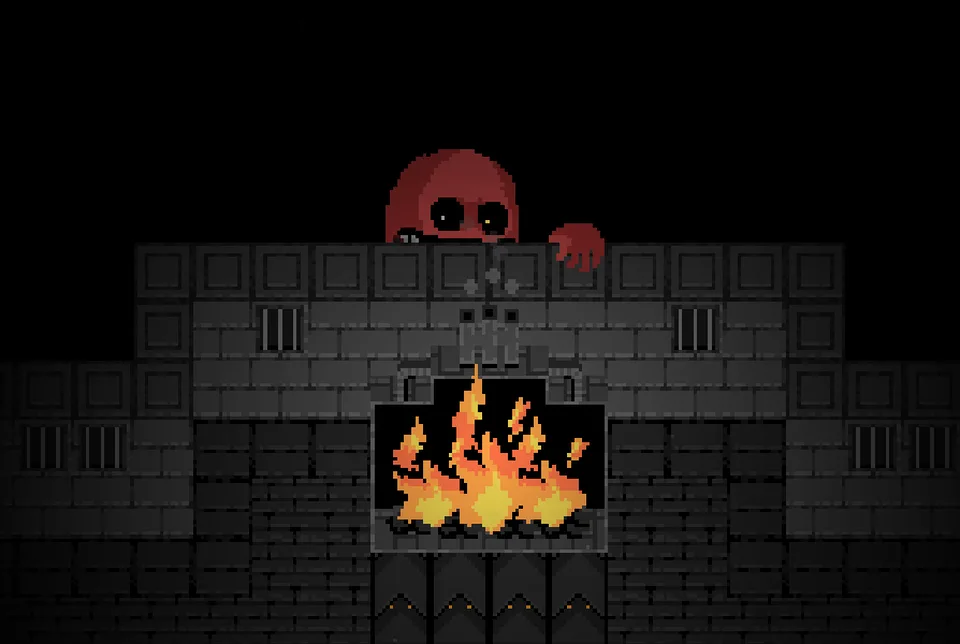
Cobb Can Move uses retro pixel art, narrow rooms, and limited visibility to make small choices feel expensive. The dungeon is shown from above, but the darkness keeps you from feeling in control. A hallway can look clear until the light fades. A safe route can become dangerous when traps, alarms, or Cobb’s senses change. Even carrying light through a tight passage can feel stressful because the game makes safety temporary.
The core mood is tense and reactive. Cobb is not just a monster that patrols the same way forever. The creature can hunt by sound, movement, smell, or other level-specific rules. Later challenges can also increase speed, split Cobb into multiple threats, or change what counts as a safe space. The result is a dungeon horror game where the best strategy is paying attention instead of rushing.
How to play
Your goal is to survive each level, complete the current objective, and find a way deeper through the dungeon without getting caught. Move with WASD or the Arrow Keys. Use E or Spacebar when you need to interact with objects, collect resources, or trigger level objectives.
Light is your most important tool. Cobb fears bright areas, so burning coal and other light sources can give you enough space to think, cross a risky route, or recover from a bad turn. Do not waste that safety. The dungeon is dark by design, and a short stretch without light can become the difference between escaping and being cornered.
Watch for the rules at the start of a level and test them carefully. If Cobb is listening, careless movement can get you trapped. If Cobb is reacting to motion, freezing at the right time may matter more than speed. If a level changes visibility, traps, alarms, or safe zones, slow down long enough to understand what the dungeon is asking from you.
Story Mode and Endless Mode
Story Mode is the more directed way to play Cobb Can Move. It keeps the escape route connected to the mystery of Cobb and the dungeon, giving you objectives while the rules grow stranger. Play this mode first if you want context and a stronger sense of progression.
Endless Mode is the pressure test. It focuses on randomized survival, rule changes, and adapting quickly when the dungeon stops matching your last run. This is the mode to play when you already understand the basics and want to see how long your instincts hold up under less predictable conditions.
Tips for surviving Cobb
Listen and look before you sprint. The game gives you clues through darkness, sound, enemy behavior, and room layout. A missing light source, a narrow corridor, or a suspiciously open room can tell you more than the map does.
Treat every level as a new lesson. A strategy that saved you from Cobb once can fail immediately if the next level changes what Cobb detects. If you get caught, ask what rule you ignored before you blame the controls.
Use light with a purpose. Burning coal can protect you, but it is not a permanent shield. Carry it when you need to cross danger, then plan where you will go when that comfort runs out.
Browser and loading notes
The playable build is hosted separately from this page and runs as an embedded browser game. If the screen stays black, wait a short moment, click inside the player, and refresh if the game does not advance. The open-in-new-tab button can help if your browser blocks focus, audio, storage, or fullscreen behavior inside an iframe.
Desktop or laptop play is recommended because keyboard movement is central to the game. Mobile browsers may load the page, but touch controls, screen size, browser memory, and iframe behavior can vary. For the best run, use a modern desktop browser and keep the game window active.
Page note
This page is an unofficial browser-play page for Cobb Can Move. The embedded build and image assets are loaded from the separate Cobb Can Move game host, and the game title, characters, artwork, and gameplay belong to their respective owners. This page is here to make the game easy to launch, describe the controls, and collect practical notes for players.
Cobb Can Move Screenshots
Cobb Can Move FAQ
Can I play Cobb Can Move online?
Yes. Press Play on this page to launch the browser build of Cobb Can Move through the embedded player.
What are the controls for Cobb Can Move?
Use WASD or the Arrow Keys to move. Use E or Spacebar for interactions when the game asks you to use an object or complete an objective.
Why does Cobb behave differently between levels?
Changing rules are part of the horror design. Cobb may track sound, movement, smell, light, or even appear in multiple forms depending on the current level.
What is the difference between Story Mode and Endless Mode?
Story Mode focuses on escaping while uncovering the dungeon's history. Endless Mode is built around randomized survival pressure and shifting rules.
Does Cobb Can Move work on mobile?
The page is responsive and the iframe can be opened from a mobile browser, but the game is easiest to control with a keyboard on desktop or laptop.
What should I do if the game is black or stuck loading?
Wait a moment for the browser build to initialize, click inside the player, refresh once if needed, or use the open-in-new-tab control in the player bar.